AI Tools for Ad Creatives: Best Picks for Facebook and Instagram Ads
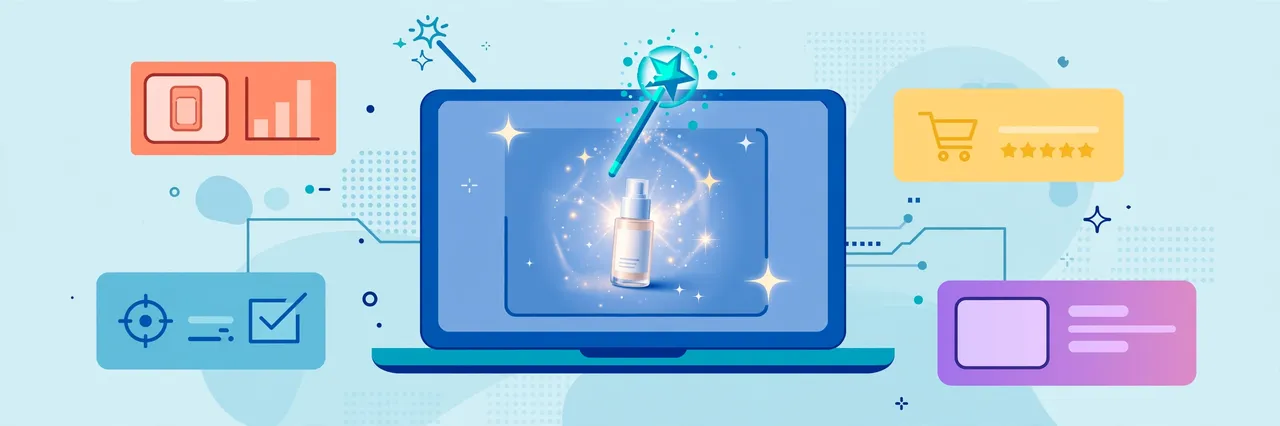
Making ad creatives used to mean hiring a designer, waiting days, and paying for every variation. Now AI tools for ad creatives can generate images, videos and ad copy in minutes — and small businesses are using them to run Facebook and Instagram ads that once needed a whole creative team.
This guide explains what these tools actually do, which ones are worth trying for Facebook and Instagram ads, what they cost, and how to use them without ending up with generic ads that nobody clicks.
The short answer: AI tools for ad creatives generate ad images, videos and copy from a product photo or a short prompt, and many can produce dozens of variations for Facebook and Instagram in minutes. The best-known options include Meta's own built-in Advantage+ creative tools, Canva's Magic Studio, and dedicated ad generators like AdCreative.ai and Creatopy. They are excellent for testing many versions quickly, but they cannot replace a real product photo, a clear offer, or honest claims — and their free plans are usually limited, so check the limits before you commit.
Table of Contents
What are AI tools for ad creatives?
An AI tool for ad creatives is software that uses artificial intelligence to design advertising images, videos and text. You give it a starting point — a product photo, a short description, or a link to your product page — and it generates finished ad designs: different backgrounds, layouts, headlines and calls to action, usually sized correctly for Facebook feeds, Instagram Stories, Reels and other placements.
The key difference from a normal design tool is speed and volume. A designer might make three versions of an ad in a day. An AI tool can make thirty in ten minutes. That matters because advertising is a testing game: the ad that wins is rarely the first one you make, and the only way to find it is to test many versions and keep the best.
These tools sit in three groups. First, the platforms themselves: Meta’s Advantage+ creative tools are built into Facebook Ads Manager and can enhance images, generate backgrounds and write text variations for free. Second, general design tools with AI features, like Canva’s Magic Studio, which turns a product photo into ad designs. Third, dedicated AI ad generators such as AdCreative.ai, Creatopy and Pencil, which are built specifically for making and testing ad creatives at scale.
What to look for in an AI ad creative tool
Not every tool fits every business. Check these six things before you sign up:
1. Platform sizes done right. The tool must export correctly sized creatives for Facebook feed (1080 × 1080 or 1200 × 628), Instagram Stories and Reels (1080 × 1920), and any other placement you use. Wrong sizes get cropped badly and look unprofessional.
2. Real product photos, not just AI images. The best tools start from your actual product photo and enhance it — new background, better lighting, removed clutter. Tools that only generate imaginary product images are risky: the ad may show a product that does not exist.
3. Copy generation with your voice. Look for tools that write headlines and primary text in your tone, and let you set rules (for example, “never use the word cheapest”). AI copy is a draft, not a finished ad — you must edit it.
4. A testing workflow. The tool should make it easy to create variations (different headline, different image, different call to action) and compare their results. Some tools include a performance score that predicts which creative will work best — treat this as a hint, not a guarantee.
5. Brand controls. Can you lock in your logo, colours and fonts, so every generated ad still looks like your brand?
6. Honest pricing. Many tools advertise a free plan that only gives a few credits, or a trial that needs a card. Check how many creatives the plan actually includes per month, and what happens to your designs if you cancel.
The best AI tools for ad creatives in 2026
Meta Advantage+ creative tools (free, built into Ads Manager)
Meta’s own tools are the obvious starting point, because they are free and built into Facebook Ads Manager. They can generate image backgrounds, expand an image to fit a new placement, add text overlays, and write headline and text variations. Because they run inside the ad platform, the creatives go straight into your campaign with no export step. For a full guide to the wider AI tool landscape, see our roundup of the best AI SEO tools.
Canva Magic Studio (free plan available)
Canva’s AI features turn a product photo into ad designs with one click: background removal, Magic Expand, and Magic Write for headlines and ad copy. Its strength is the huge template library — thousands of Facebook and Instagram ad templates you can adapt in minutes — and the brand kit that keeps your colours and fonts consistent. The free plan covers the basics; the Pro plan unlocks the full AI features. Best for small businesses that also need social posts, flyers and other designs from the same tool.
AdCreative.ai (paid, from around $29/month)
AdCreative.ai is built specifically for ad creatives. Upload a product photo or paste a product URL, and it generates dozens of ad designs with headlines, scored by a predicted conversion rate. It also includes a competitor check that shows you which ad styles are working for similar brands. Best for e-commerce stores running many ads and testing constantly. Watch the plan limits: the cheapest plan includes a limited number of credits per month.
Creatopy (paid, free trial)
Creatopy focuses on animated and video ads, with AI tools that resize a design for every placement automatically and generate copy variations. It is stronger than Canva for animation and for teams that need approval workflows. Best for businesses that run video and animated ads on Instagram and Facebook.
How to use an AI ad creative tool: step by step
Step 1: Start with a real product photo
Take or choose a clean photo of your actual product, on a plain background, in good light. AI enhancement works best on a good photo — it cannot fix a blurry, dark or cluttered one. If you sell a service rather than a product, use a real photo of your work, your team, or the result you deliver.
Step 2: Write one clear message
Before you open the tool, write down the single message of the ad in one sentence: what the product is, who it is for, and why they should care. Every creative the AI makes should carry that message. If you cannot state it in one sentence, your ad will be vague whatever the tool does.
Step 3: Generate variations, not one ad
Ask the tool for at least 6–10 variations: different backgrounds, different headlines, different calls to action. This is the whole point of AI — volume for testing.
Step 4: Edit the copy by hand
Step 5: Export at the right sizes
Export each version in the sizes you need: square for the Facebook feed, vertical for Stories and Reels, and landscape if you run in-stream placements. Check each export visually — AI tools sometimes crop text or cut off a product at the edges when resizing.
Test, measure and improve
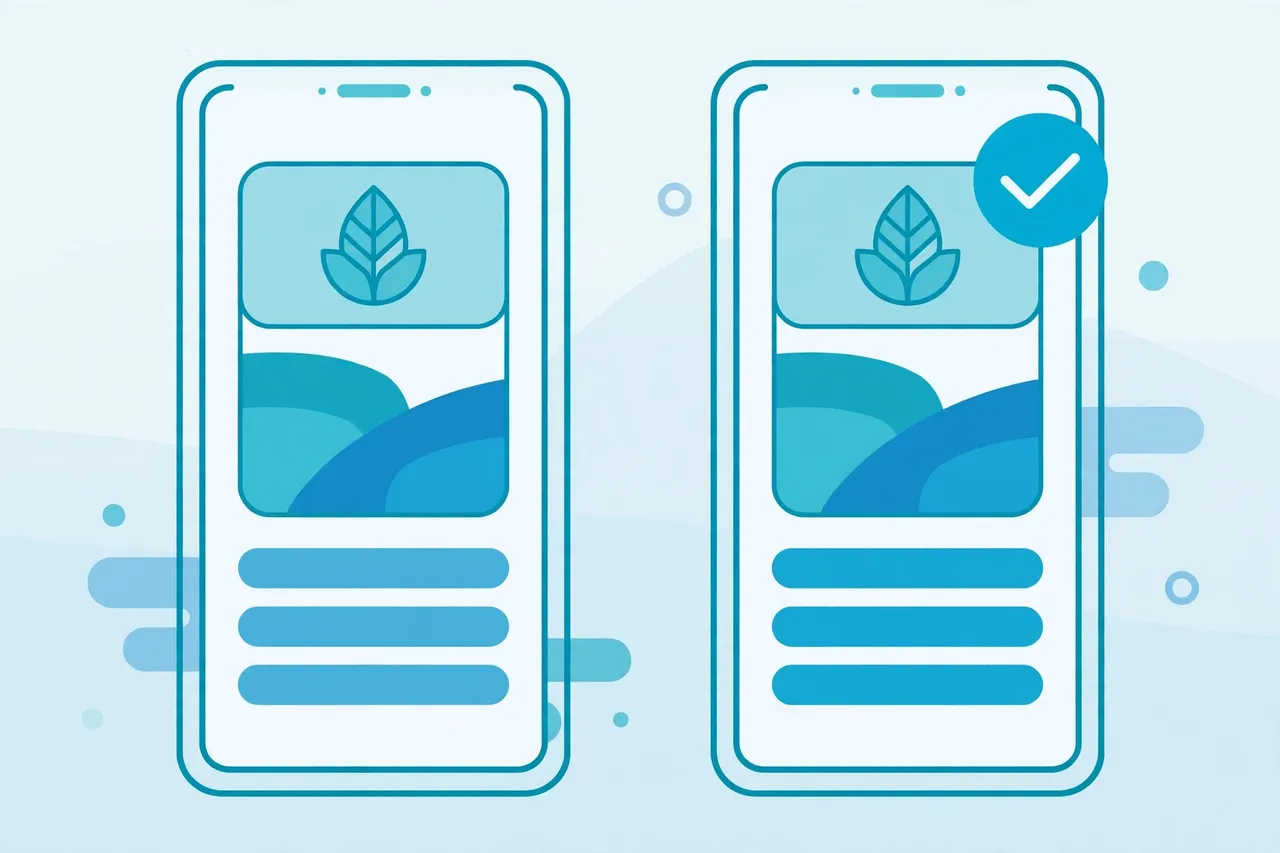
Upload your variations as separate ads in one campaign and let Meta’s system test them. After a few days and enough impressions, compare three numbers: click-through rate (are people clicking?), cost per click, and cost per result (a purchase, a sign-up, or whatever your goal is). Keep the winner, pause the losers, and generate new variations based on the winner — a new headline on the winning image, or the winning headline on a new image. Trust your campaign data more than any tool’s score. Our guide on how to grow followers on Instagram organically covers the same principle for organic content: your own numbers beat any tool’s prediction.
Frequently asked questions
Conclusion
AI tools for ad creatives are a genuine shortcut for small advertisers: they turn one product photo into dozens of testable Facebook and Instagram ads in minutes, for free or for a modest monthly fee. Start with Meta’s free tools, keep your product photos real, write one clear message, edit every word the AI produces, and test variations until your own campaign data tells you what works. The tool makes the ads — you still make the decisions. For a deeper look at how AI tools fit into the wider marketing workflow, read our guide to what an AI SEO tool is and how it works — the same “tool as checklist, human as judge” rule applies to advertising too.
Sources: Meta for Business — Advertising — https://www.facebook.com/business/ads; Meta Business — https://business.meta.com/
What is the best AI tool for Facebook ad creatives?
For most small businesses, Meta’s free Advantage+ creative tools are the best starting point, because they are free and built into Ads Manager. Canva’s Magic Studio is the best all-round option if you also need other designs, while AdCreative.ai suits e-commerce stores testing many ads at scale.
Can AI generate Instagram ads?
Yes. Most AI ad tools export correctly sized creatives for Instagram feed, Stories and Reels, and can generate images, short videos and ad copy. Always check the exported sizes visually — vertical formats are the most likely to crop text or cut off a product.
Are AI-generated ads allowed on Facebook and Instagram?
Yes, AI-generated creatives are allowed, as long as they follow Meta’s advertising policies: no misleading claims, no deceptive images, and no prohibited content. Ads must show the real product, and any claim in the copy must be true and provable.
How much do AI ad creative tools cost?
Meta’s tools are free. Canva Pro starts from around $15 a month, and dedicated tools like AdCreative.ai from around $29 a month. Check the current pricing page before paying, as prices change often.
Do AI ad tools work for small businesses?
Yes — small businesses benefit most, because they get designer-quality variations without a designer’s cost. The key is to start with a real product photo, one clear message, and a small test budget, then scale up only the creatives that prove themselves.
Will AI replace human designers for ads?
Not entirely. AI is excellent at producing variations quickly and cheaply, but humans still decide the message, the offer, the brand look, and whether an ad is honest and on-brand. The best results come from AI speed plus human judgement.